
APP & SUPPORT
OwnWaybill
Waybills and earthmoving logs for the working day.
Record the delivery. Share the waybill as a PDF.
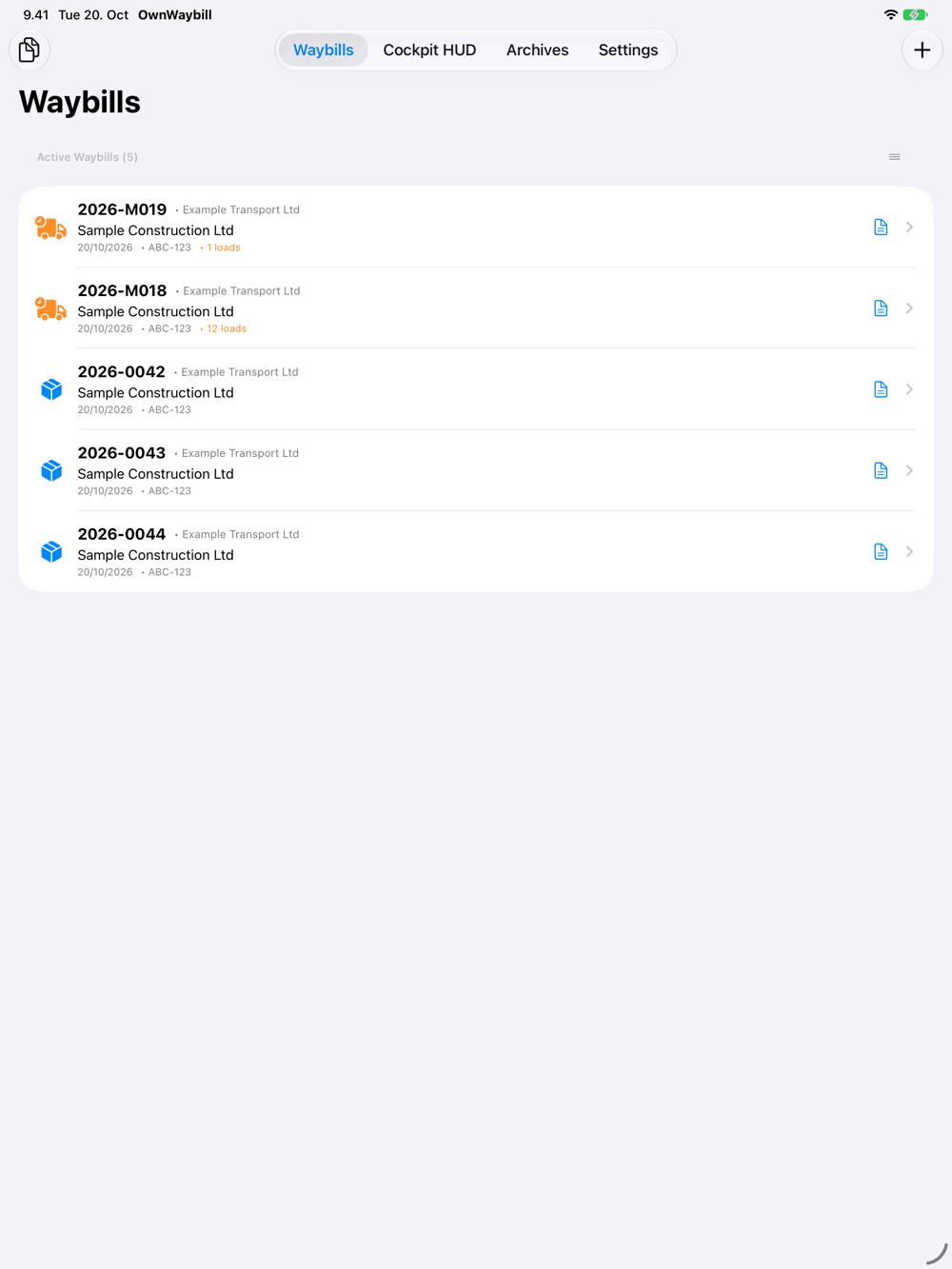
OwnWaybill helps drivers and transport operators prepare waybills and keep earthmoving logs on iPhone and iPad. Keep the cargo, vehicle, parties and working-day events in one document. Collect signatures on screen and share a finished PDF through an app of your choice.
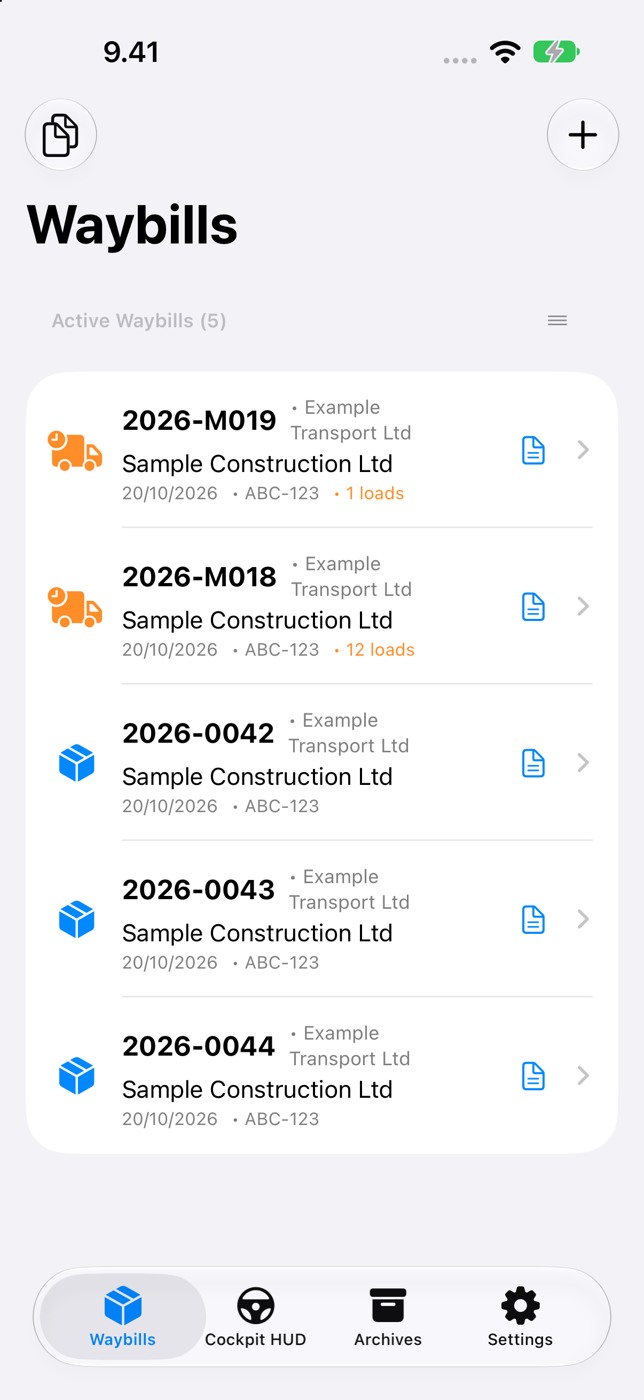
Standard waybills
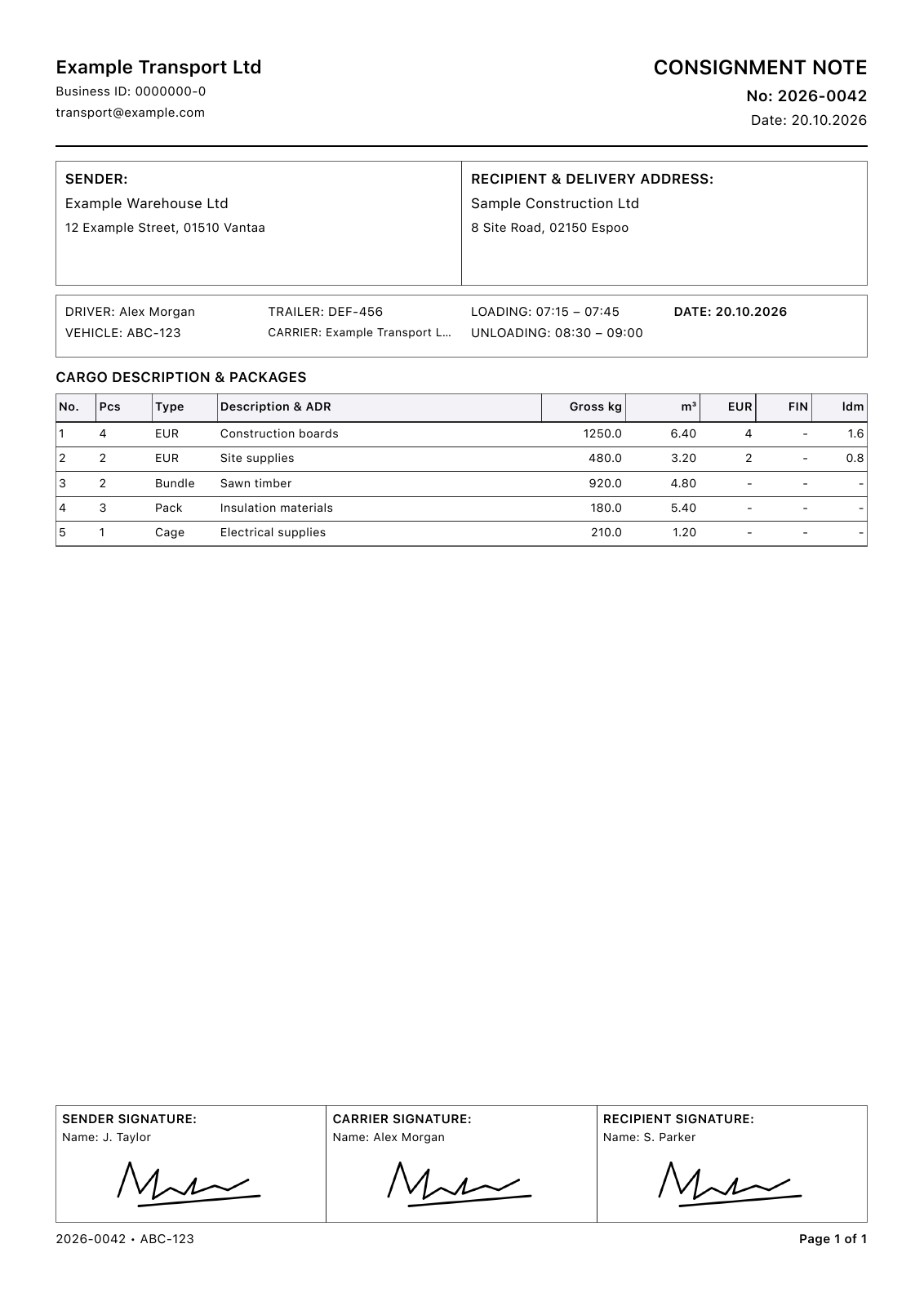
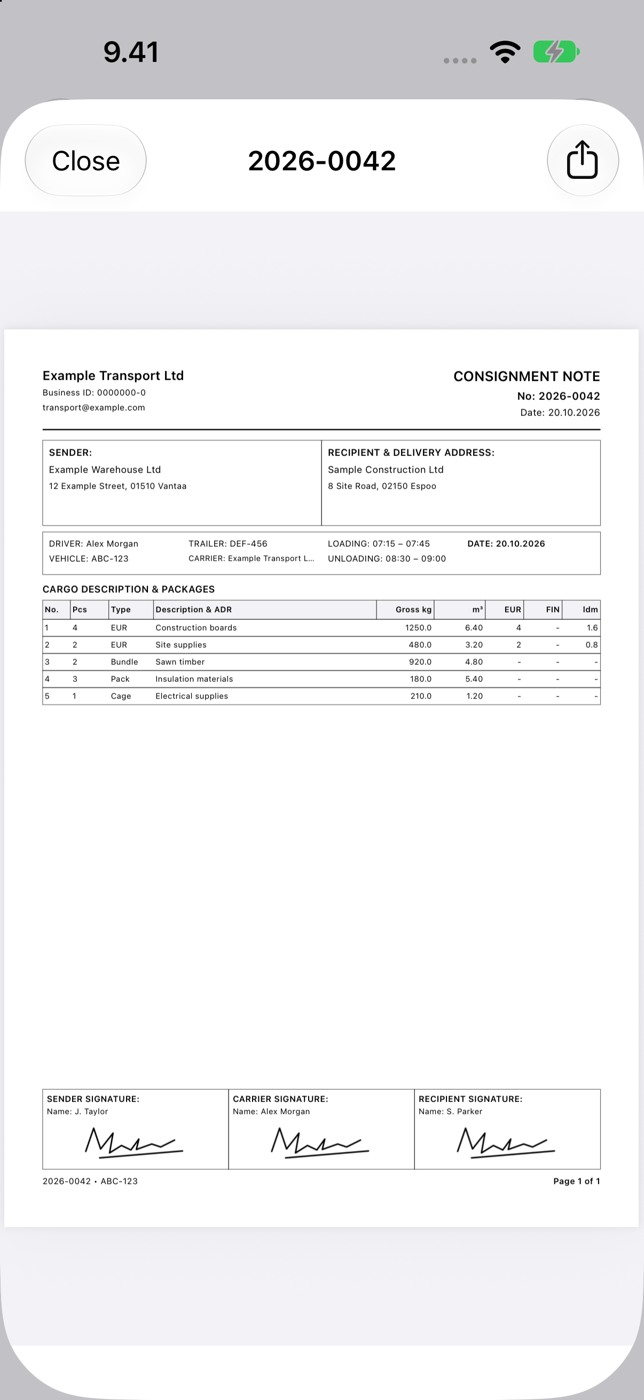
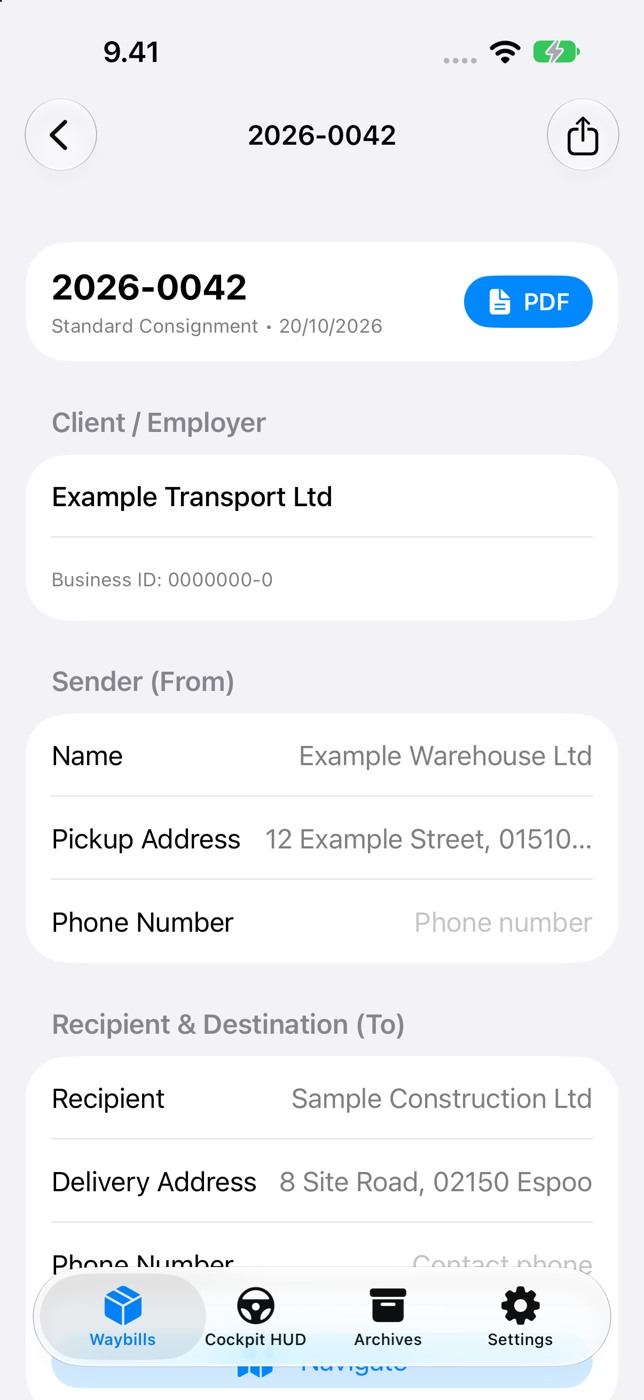
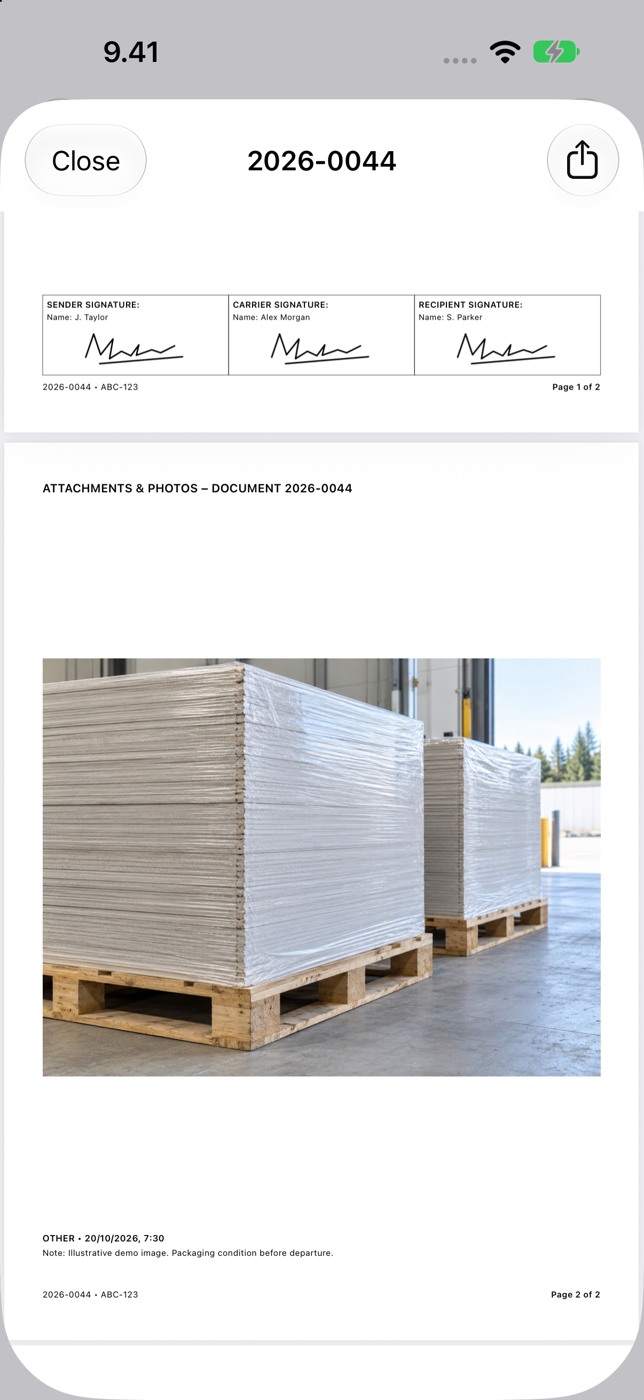
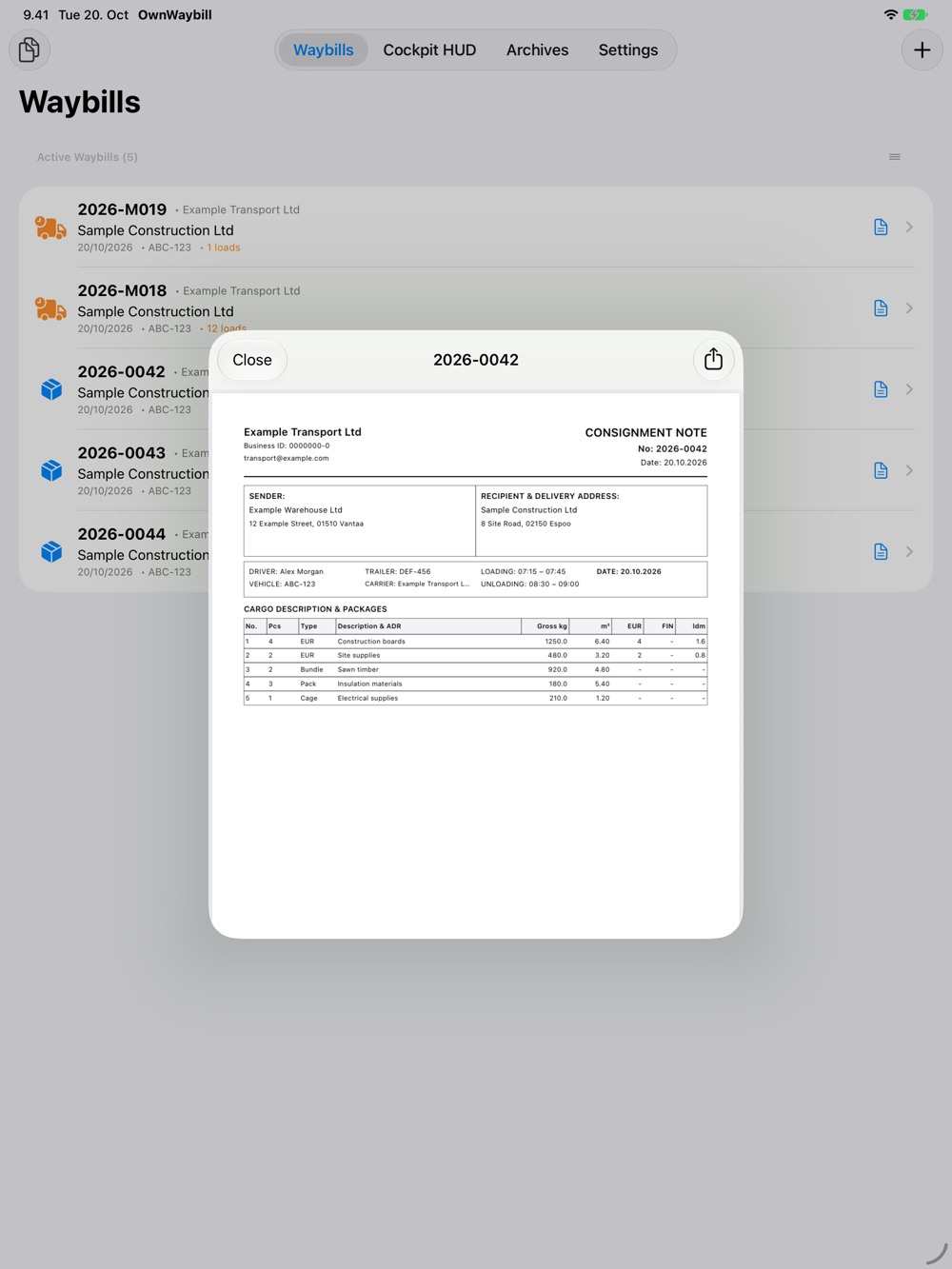
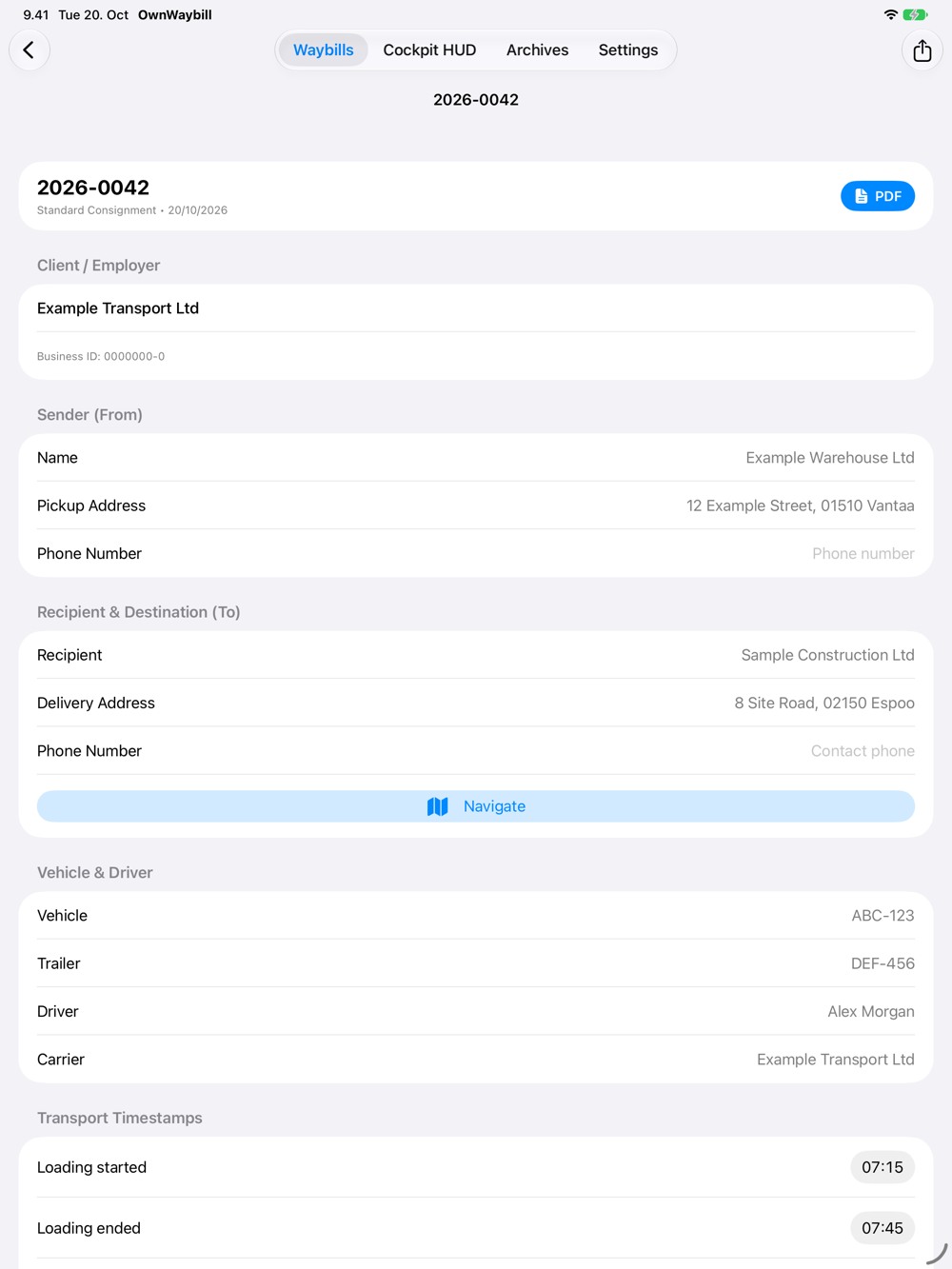
Record the sender, recipient, carrier and delivery address. Add cargo rows with package counts and types, descriptions, weights and volumes. Include EUR pallet counts and loading metres where needed. Record loading and unloading times, instructions, reservations and extra services. Sender, carrier and recipient signatures appear in the PDF.
Earthmoving logs
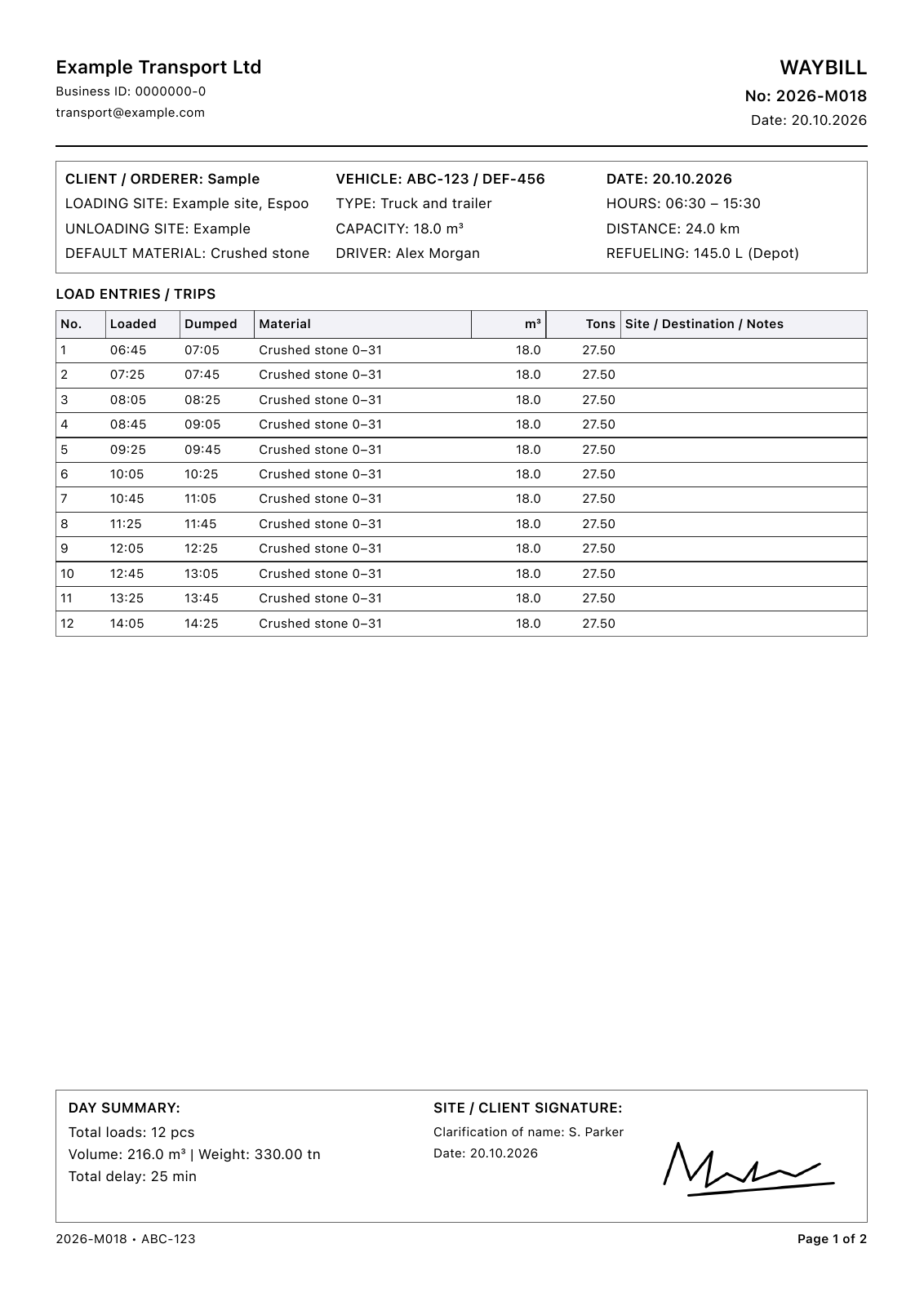
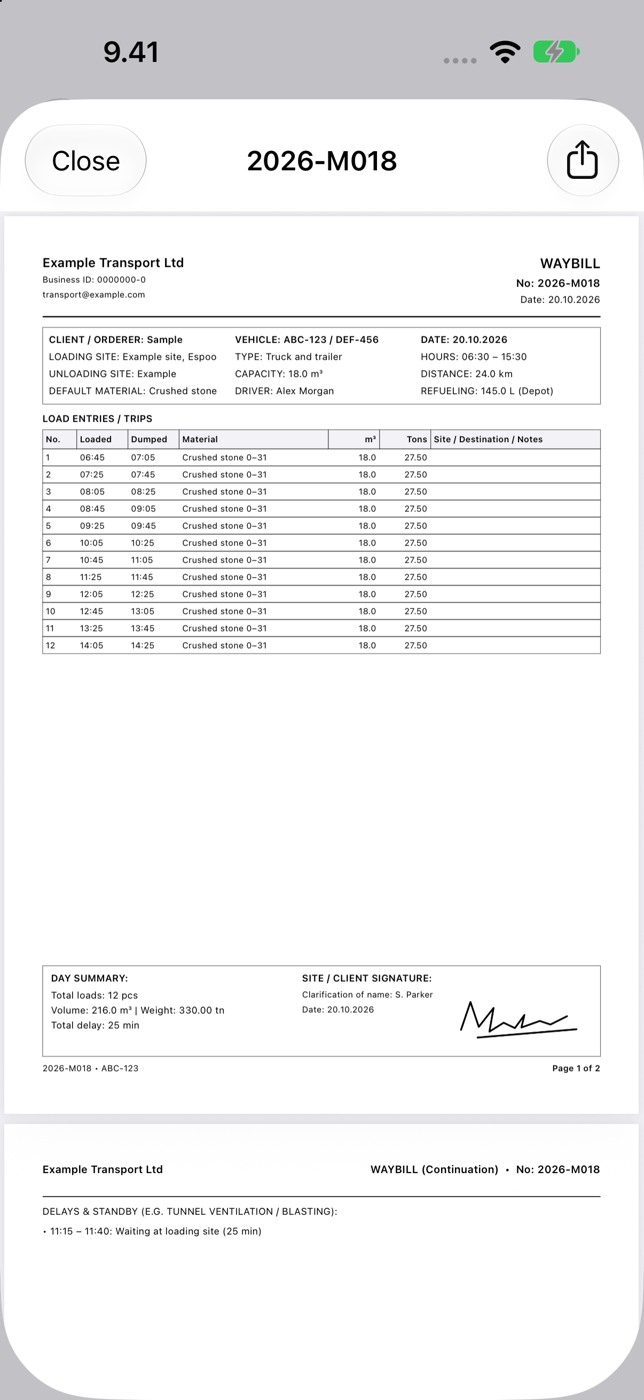
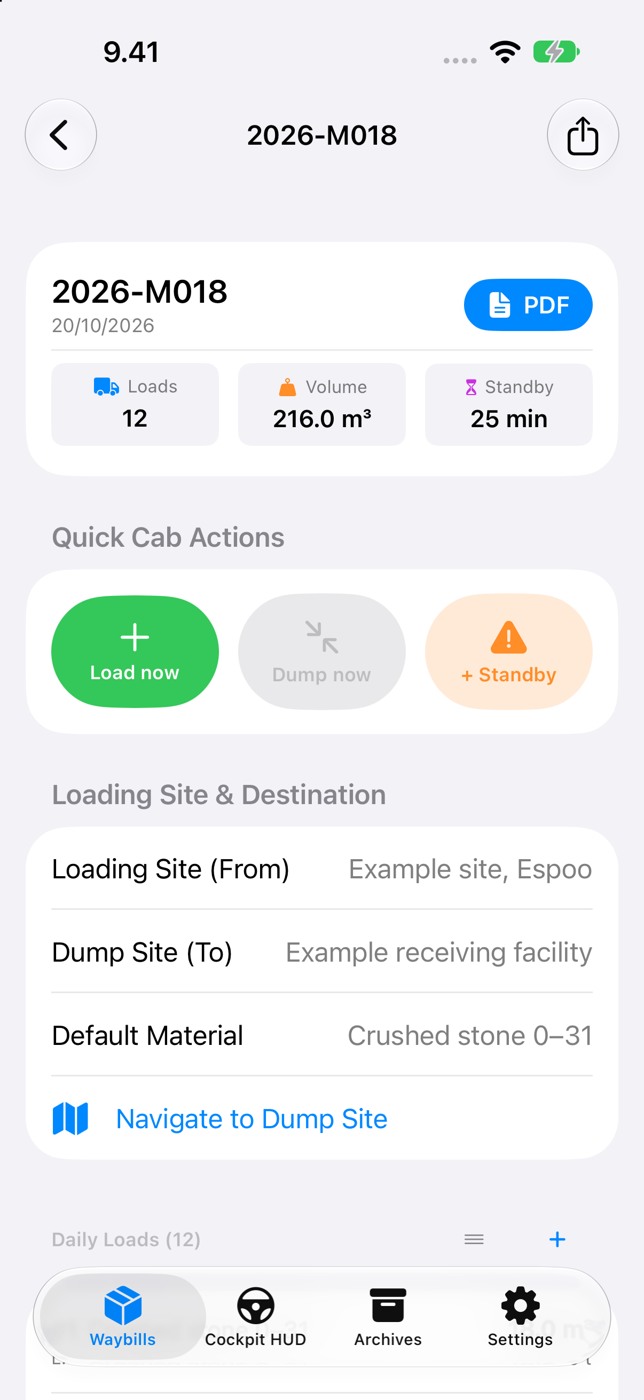
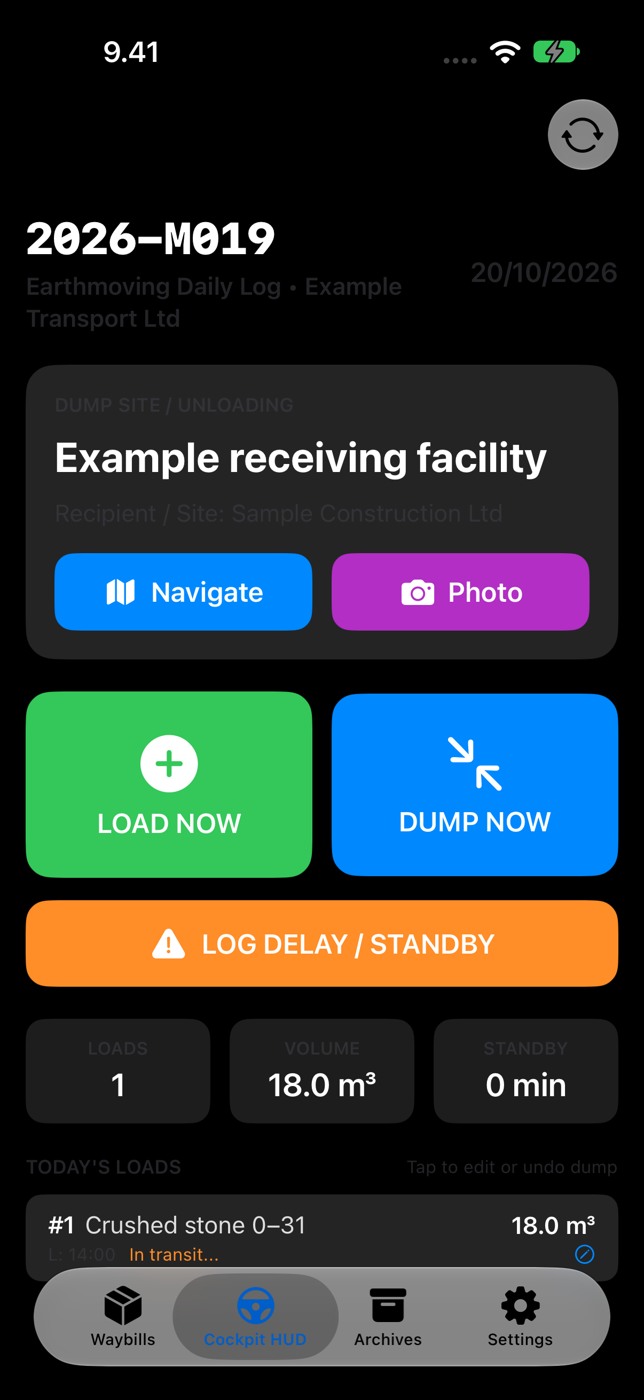
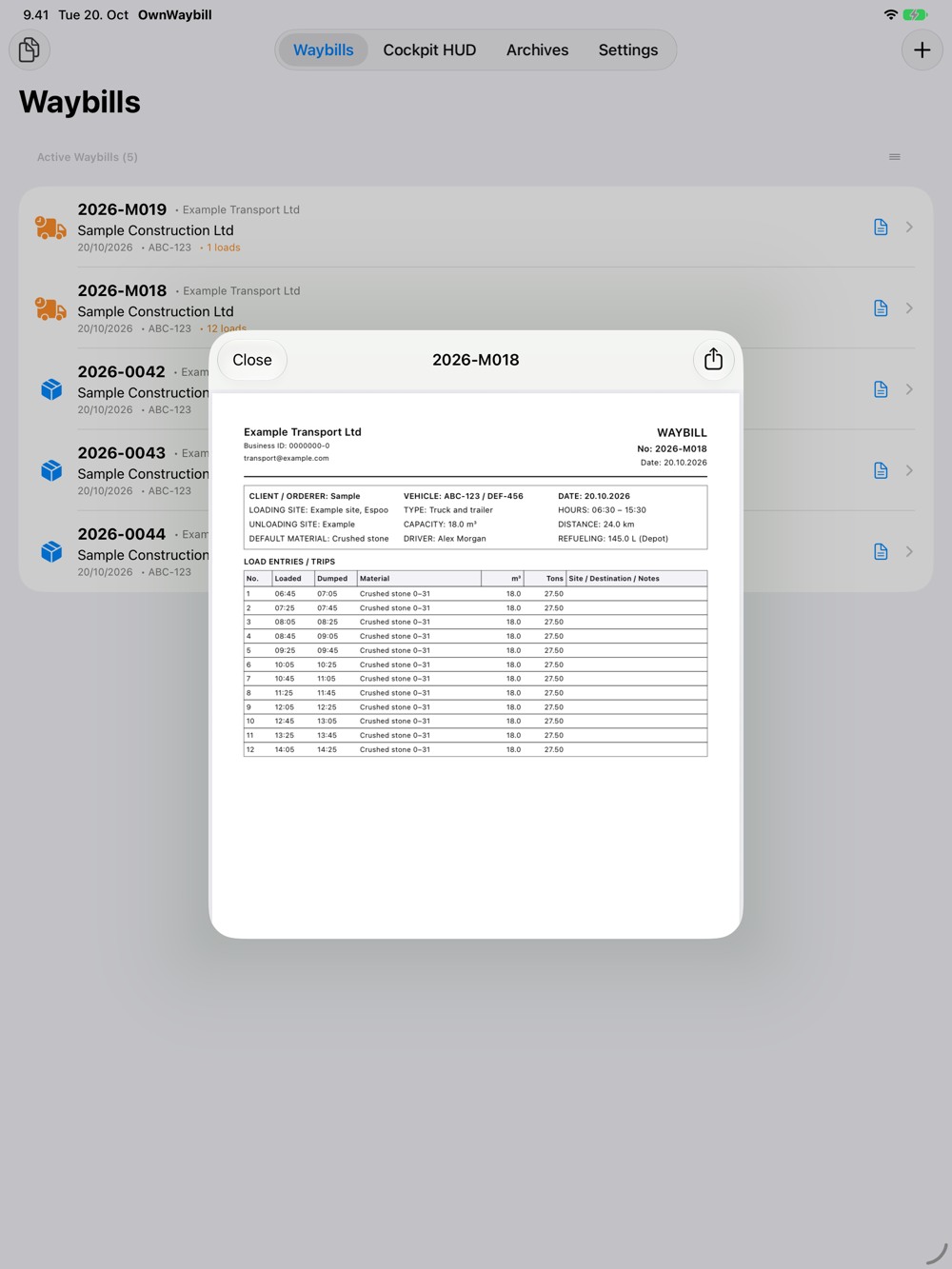
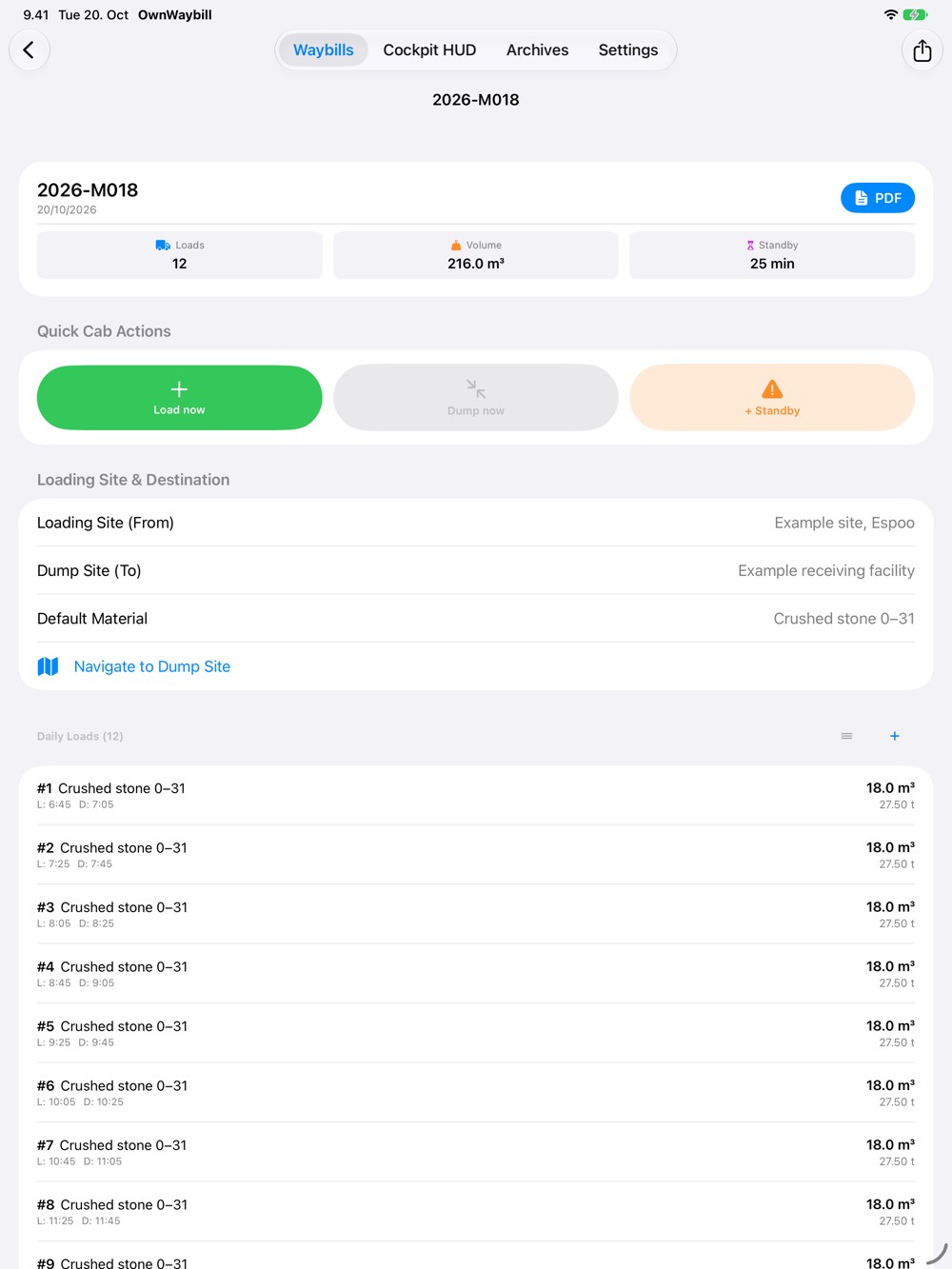
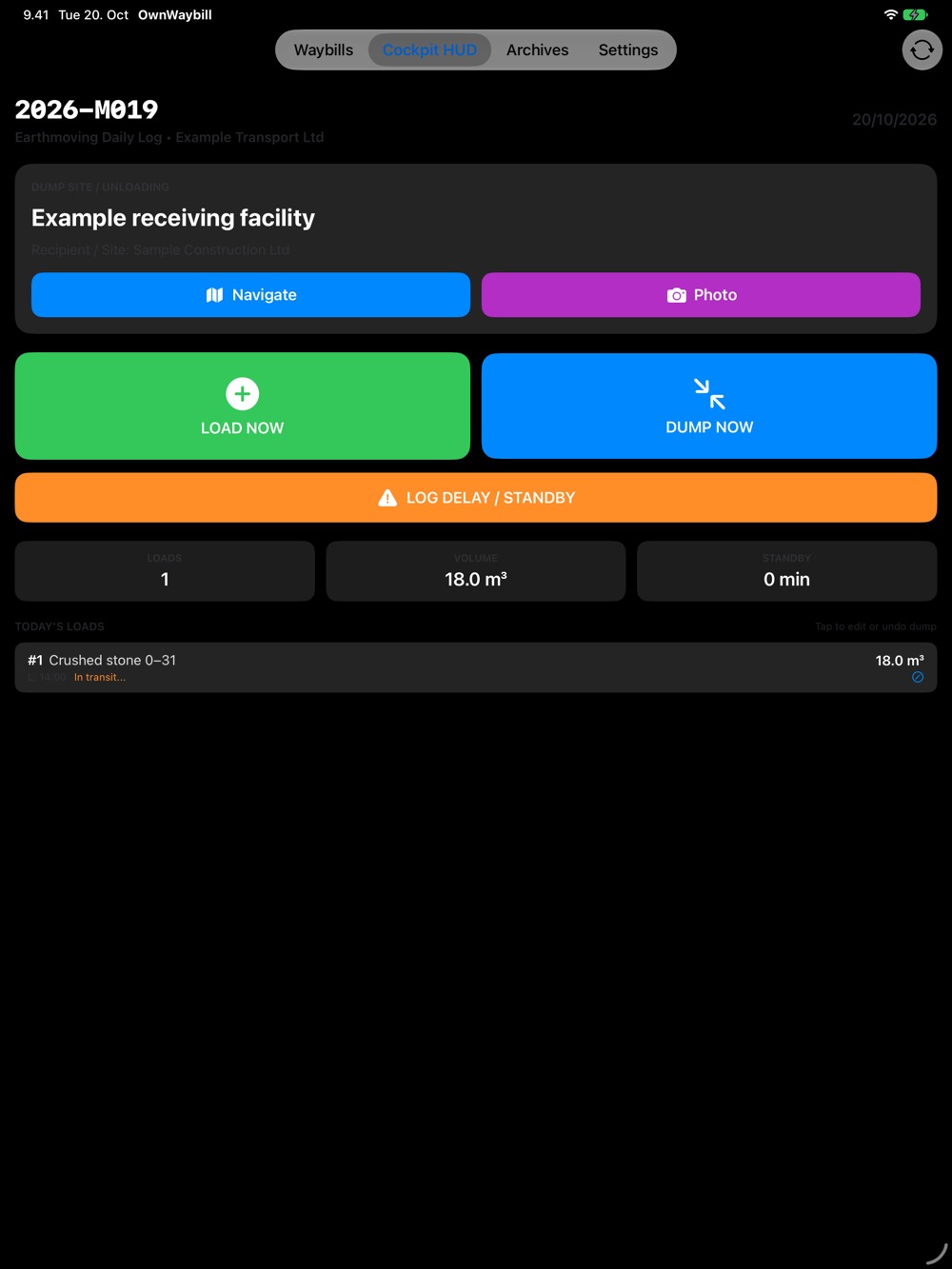
Record the work site, receiving facility, material and individual loads. Track loading and dumping times, cubic metres and tonnes. Add delays with reasons, working times, distance and fuel. Cockpit controls let you record loading and dumping during the working day. Collect the customer's approval as a signature.
Keep recurring information ready
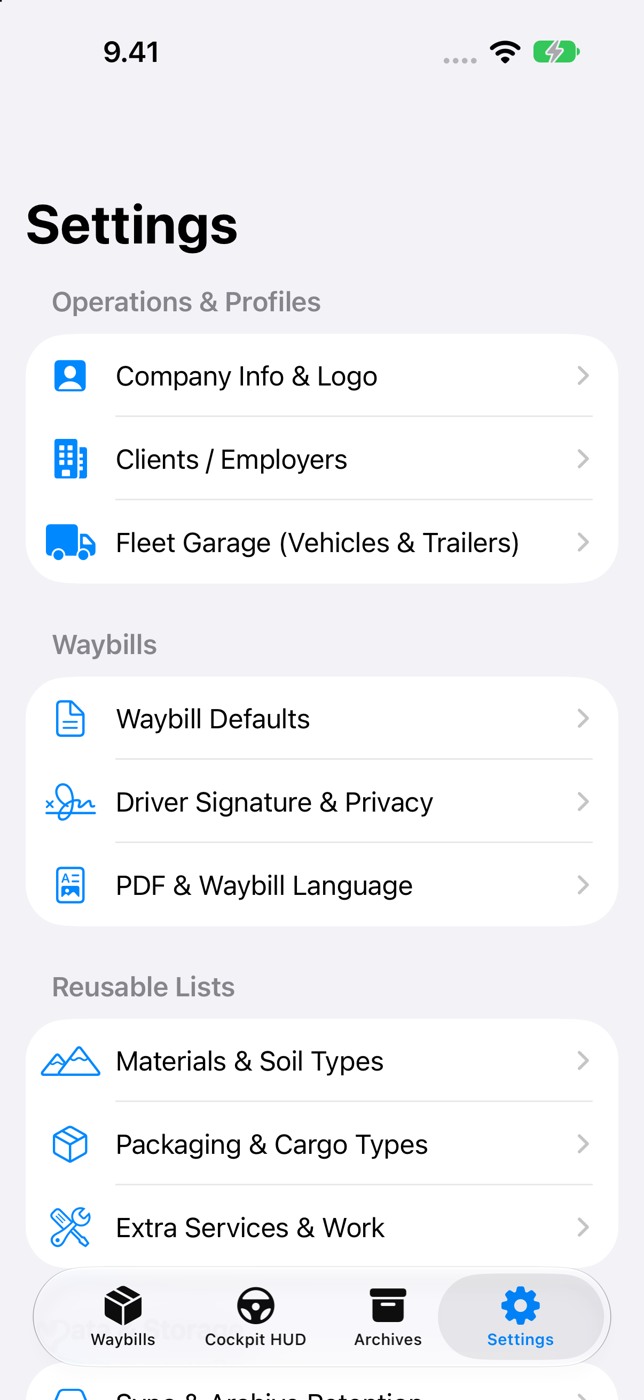
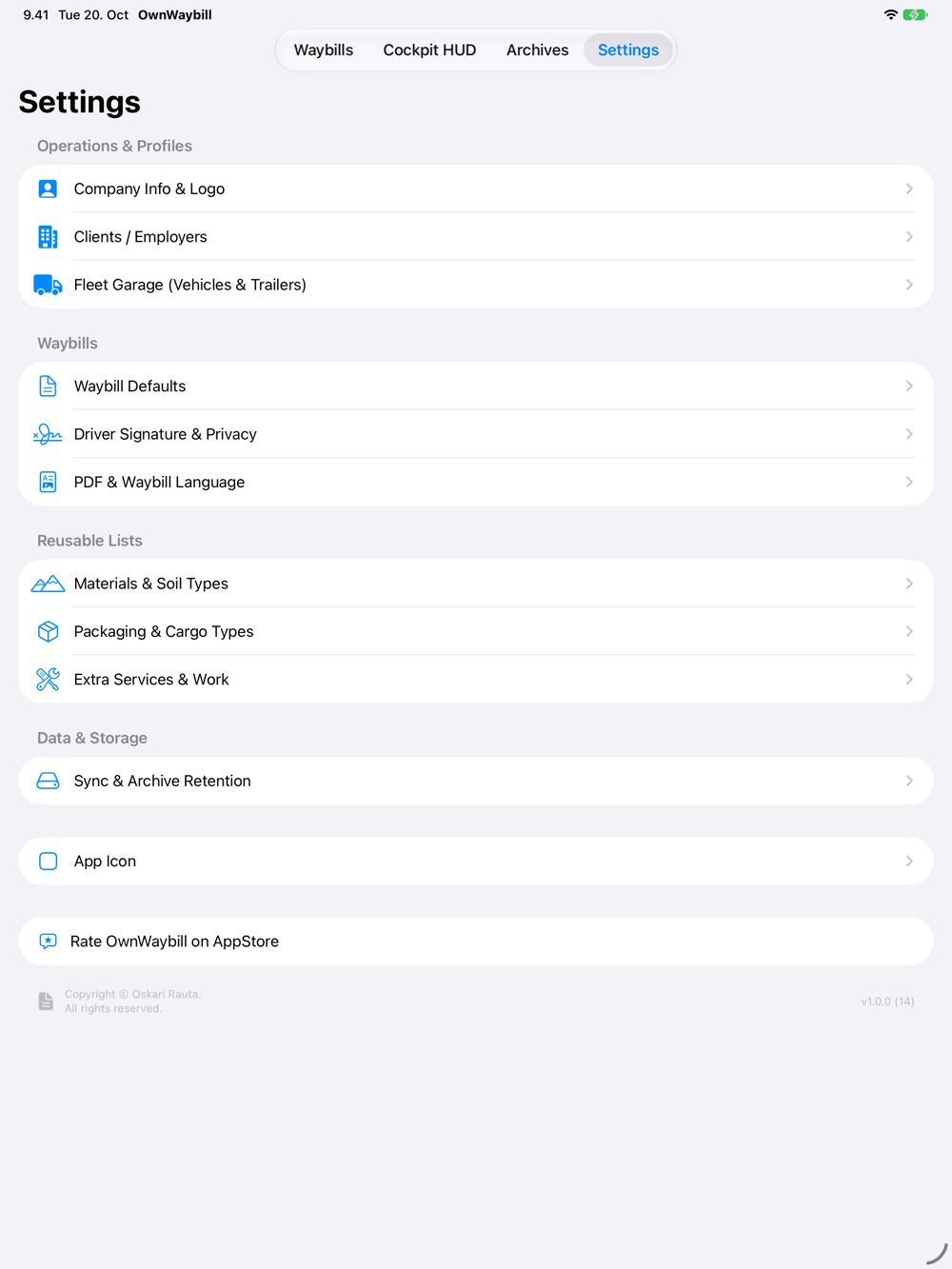
Save company details and a logo, clients or employers, vehicles and trailers. Adapt material, packaging and extra-service lists to your work. A saved driver signature and printed signer name reduce repeated entry.
PDF, archives and your devices
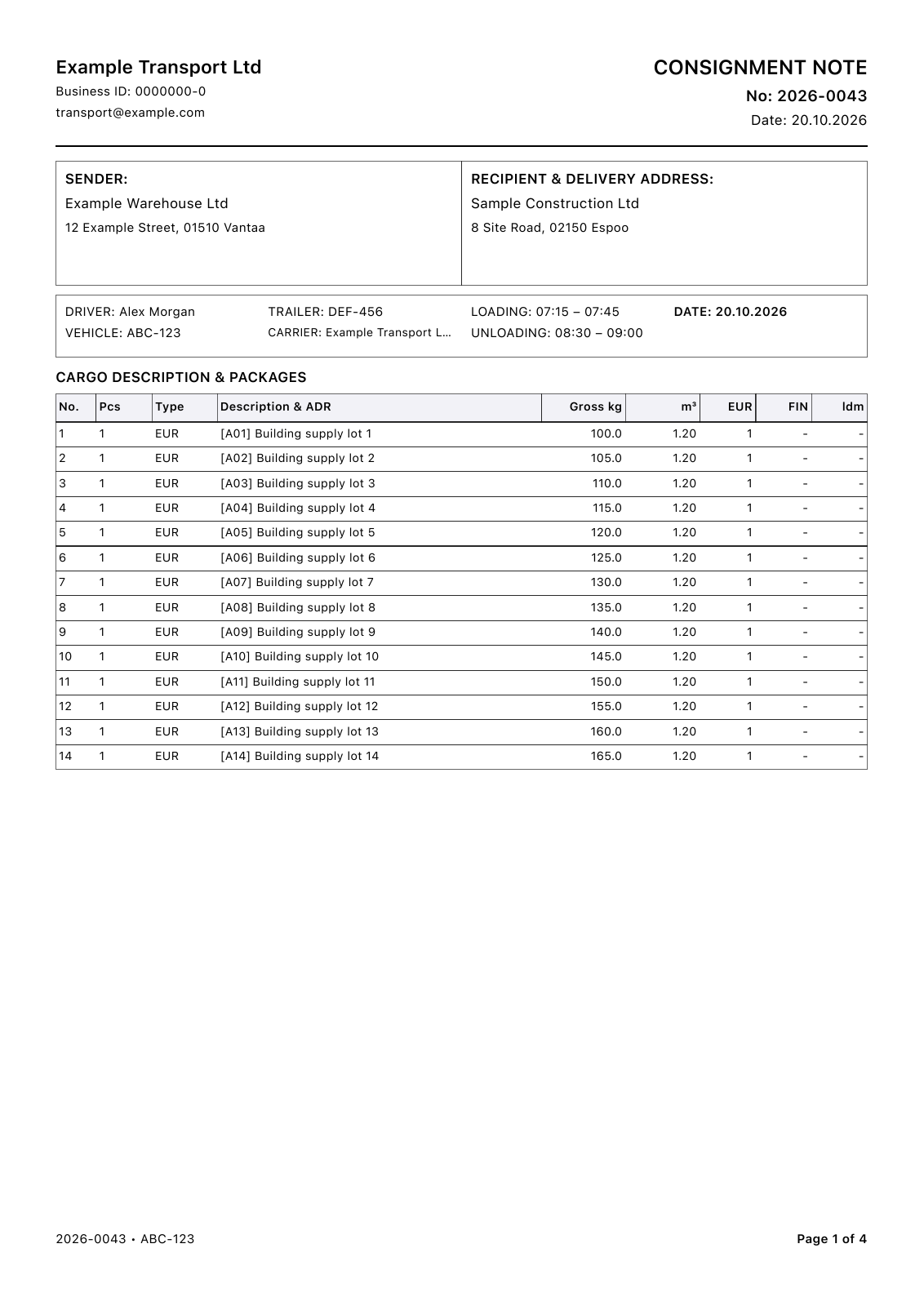
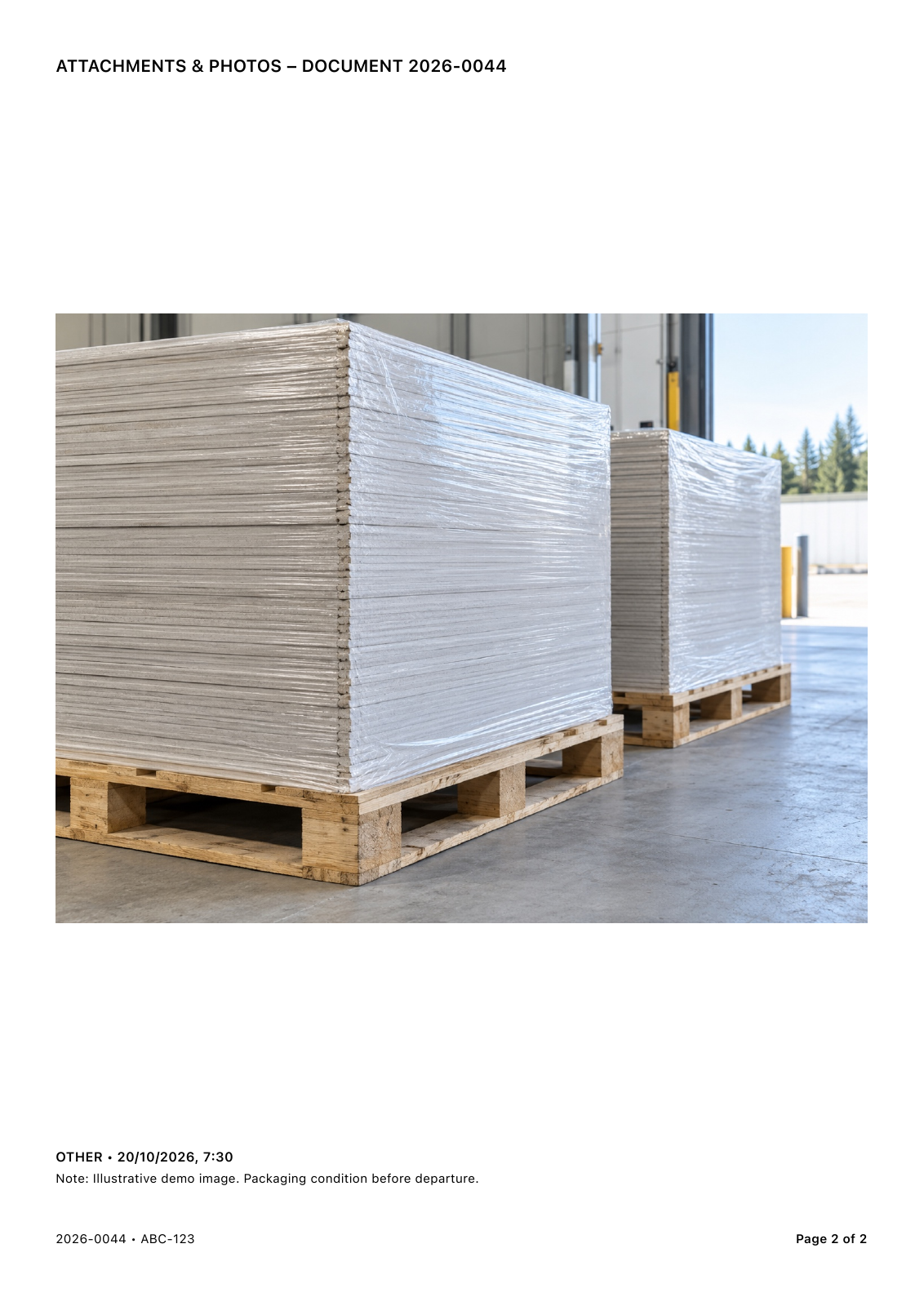
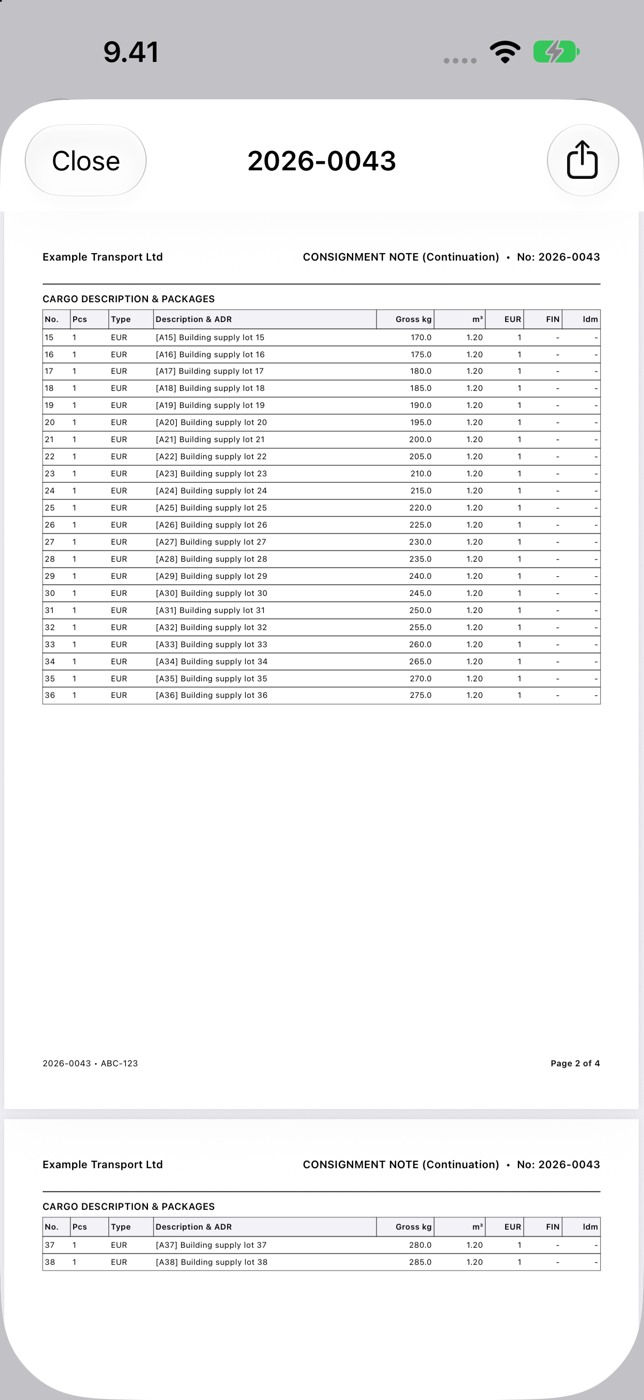
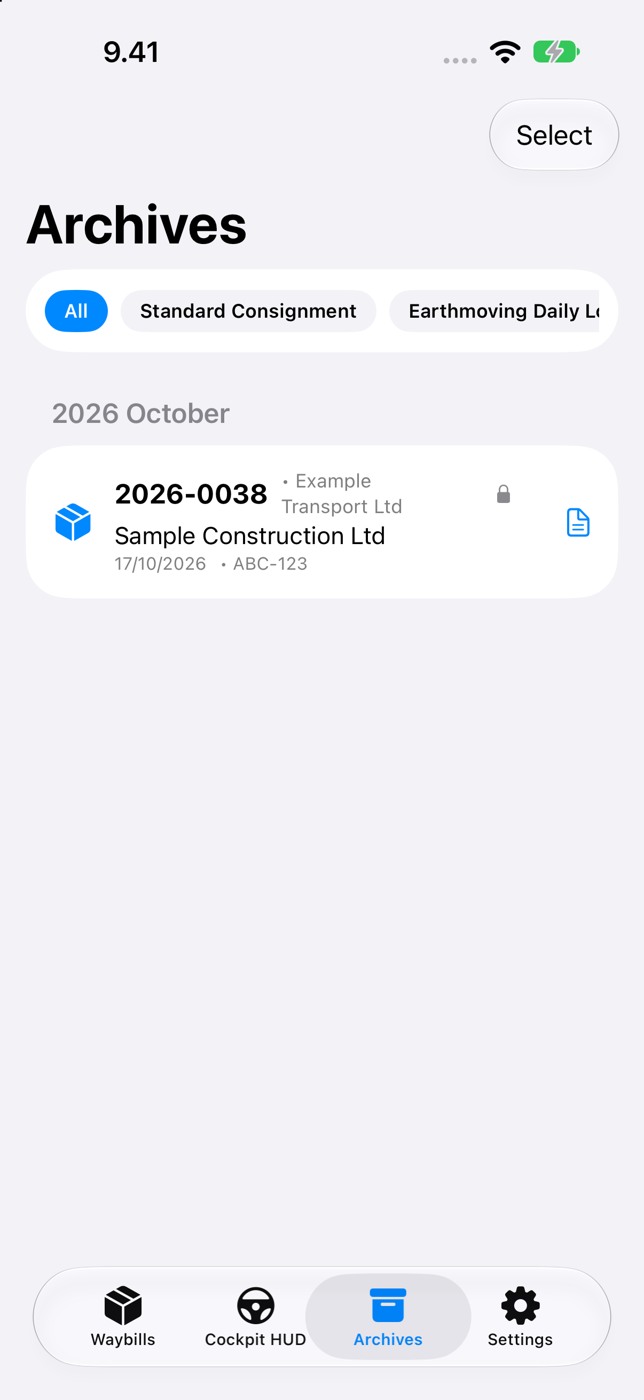
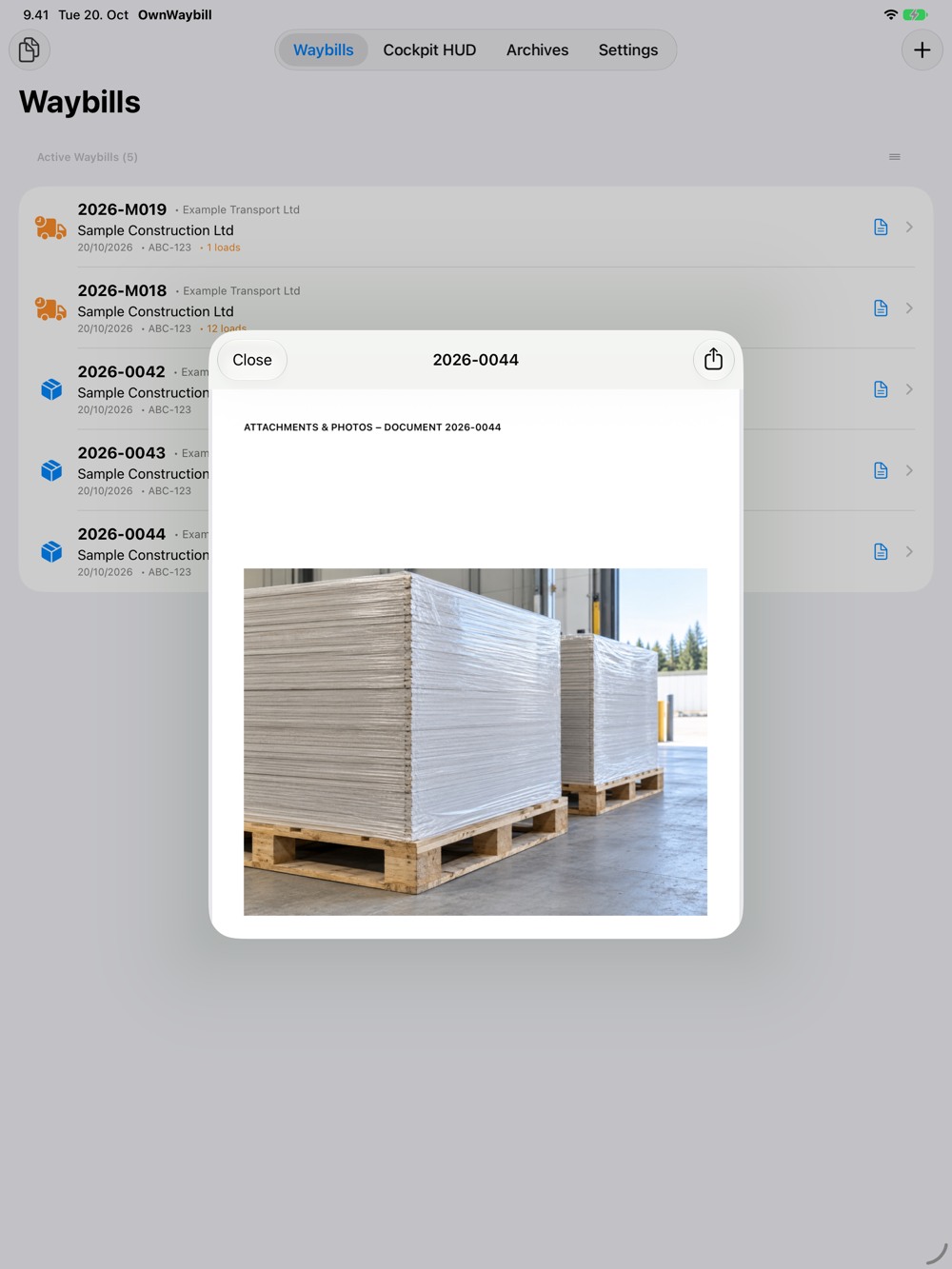
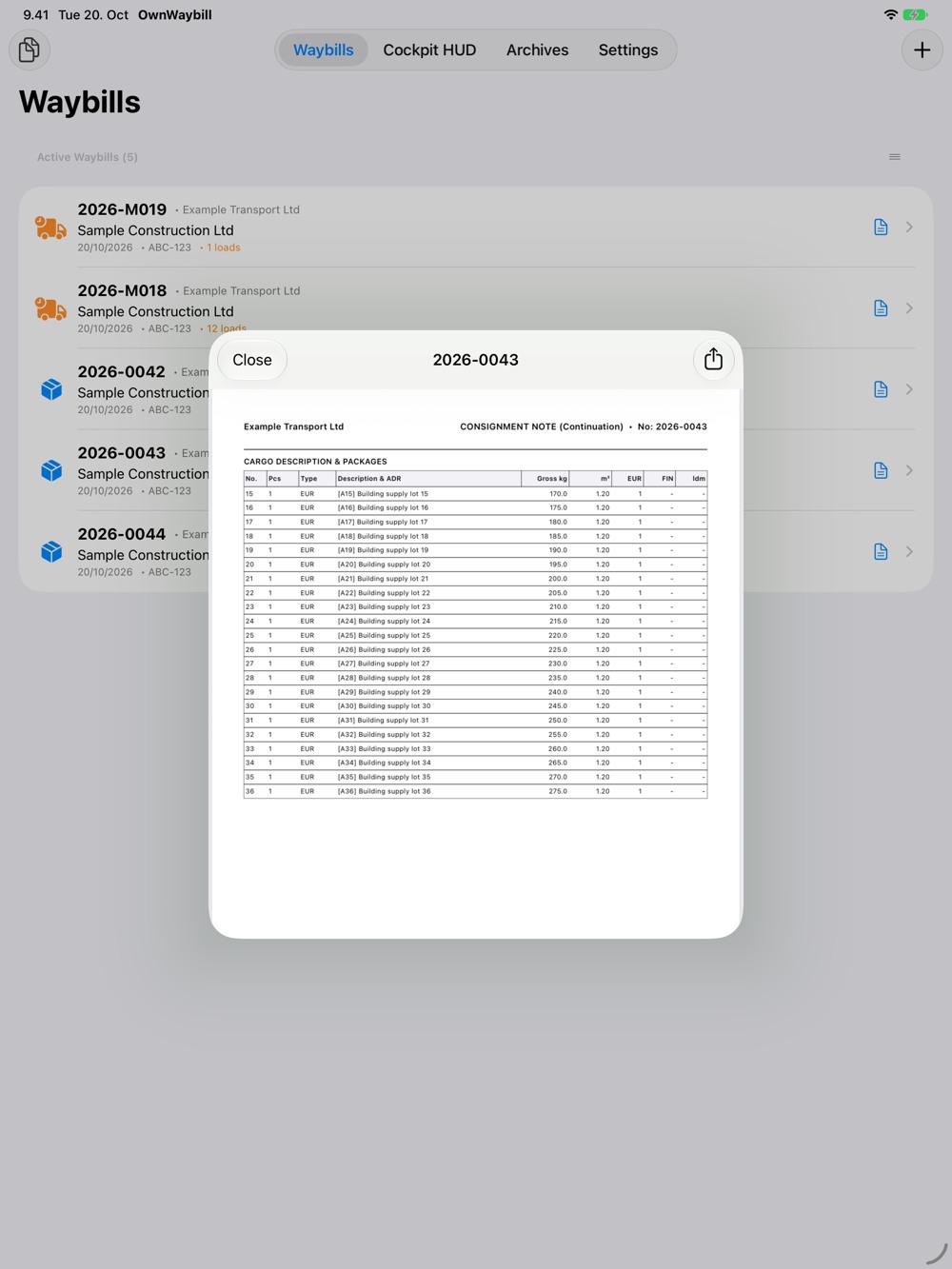
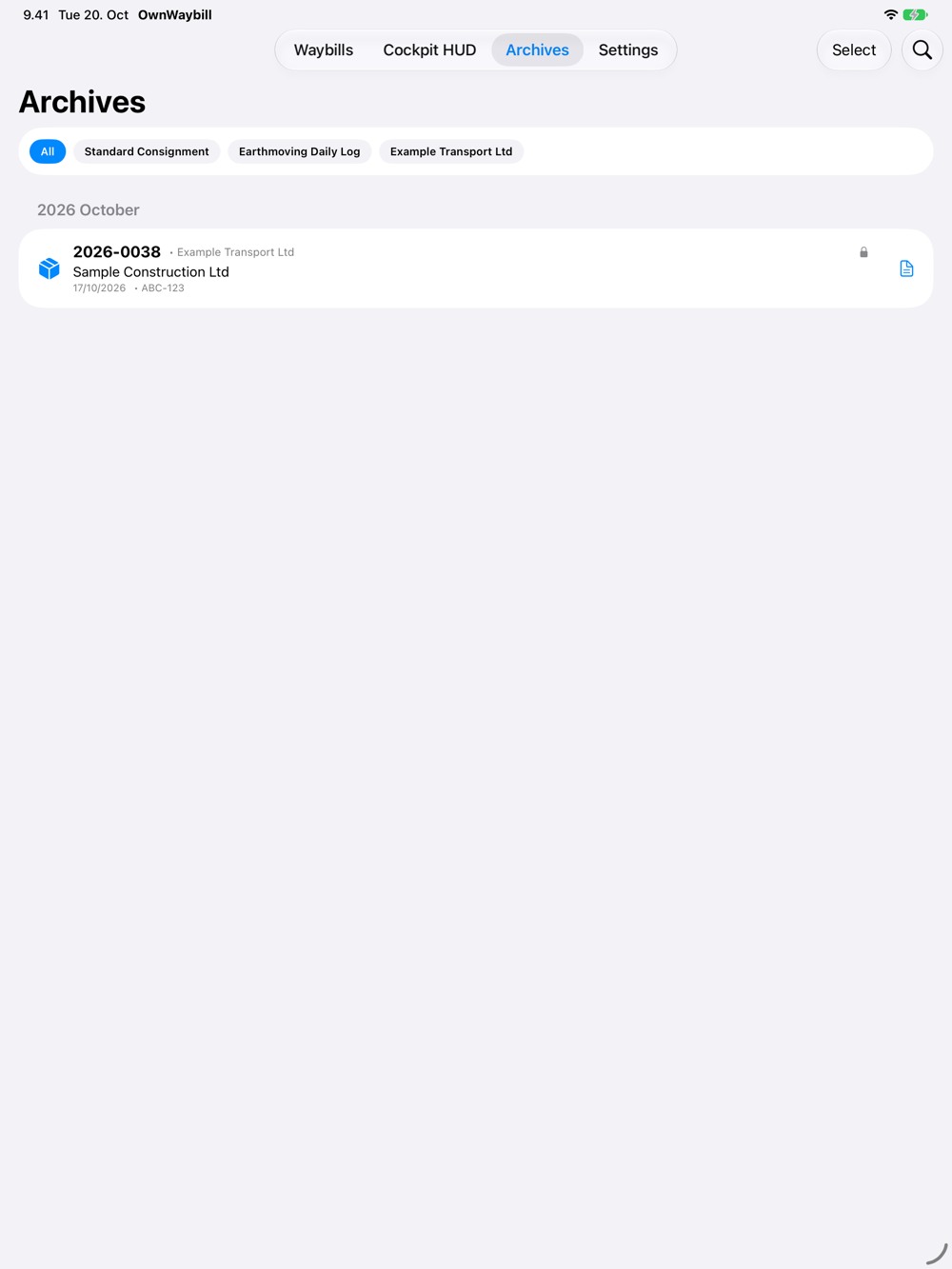
Preview documents before sharing. Long cargo lists continue onto additional pages, and photo attachments have their own pages. Archive completed documents and export several PDFs together when needed. Work offline, with optional iCloud sync to keep your records available on your own devices.
The interface is available in English and Finnish. Select the PDF language separately and edit form headings and translations.
Review the complete PDF examples below before purchasing. They show whether the fields and layout suit your work. Form headings can be edited; importing your own free-form PDF template is not supported.
Complete PDF examples
All records and signatures are fictional. The attachment photo is an AI-generated demo image.
Standard waybill
Multi-page waybill — 38 cargo rows
Earthmoving log — 12 loads and a delay
Waybill with a photo attachment
Take a closer look
Browse the screenshots or open an image to see more.
Questions & answers
How do standard waybills and earthmoving logs differ?
A standard waybill records the transport parties and cargo. An earthmoving log brings together a site’s loads, materials, quantities, times and delays.
Can I see a finished waybill before buying?
The gallery includes complete downloadable PDFs: a standard waybill, a long cargo list, an earthmoving log and a photo attachment. All example data is fictional.
Does it work offline?
Yes. You can create and edit documents and generate PDFs locally. iCloud sync and sending a PDF through an online service require a connection.